

Social Send
Social Media Scheduling & Automation from Browser or Dashboard
Social Send is a social media automation and marketing platform that helps businesses schedule posts, manage campaigns, and improve engagement across multiple social channels.
We built the entire frontend — a web app and a Chrome Extension — integrated with Firebase Functions for a fast, intuitive, serverless experience.




Project Overview
Social Send is a social media automation and marketing platform designed to help businesses schedule posts, manage campaigns, and improve engagement across multiple social channels.
The solution includes a web application and a Chrome Extension, enabling users to create and publish content seamlessly without switching tools or tabs.
Our team was responsible for building the entire frontend, integrating with Firebase Functions, and delivering a fast, intuitive experience optimized for productivity and social workflow efficiency.
Frontend & Integration
Engagement
Firebase (Serverless)
Infrastructure
Social Media Marketing
Industry
Web App & Chrome Extension
Platform
Client Challenges
The client needed a powerful yet simple tool that could:
Allow users to create and publish posts directly from Chrome
Schedule content across platforms effortlessly
Manage media, captions, hashtags, and drafts
Automate workflows for social engagement
Provide analytics and insights
Ensure easy onboarding for non-technical users



Additionally, the tool needed to operate without heavy server infrastructure, making Firebase a natural fit for the backend.

Our Approach
We collaborated closely with the client's marketing and product team to:
Step 1
Map out user flows for content creation and scheduling
Step 2
Build a unified Vue.js web app + Chrome Extension
Step 3
Implement Firebase-based backend logic and automation
Step 4
Focus on performance, simplicity, and ease of use
Step 5
Ensure real-time sync between the extension and dashboard
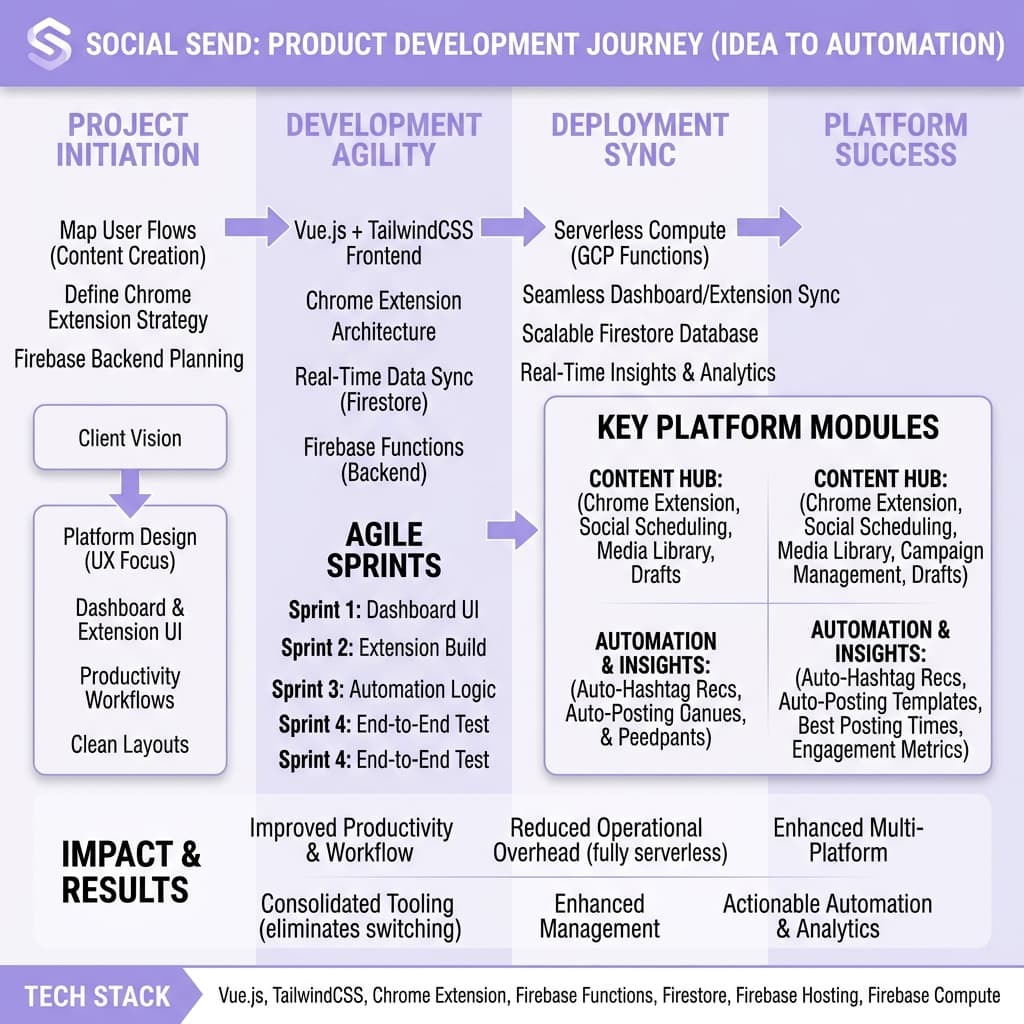
The result: a clean, modern platform designed for productivity and social media consistency.
Key Features Delivered
Chrome Extension for On-the-Go Posting
- Create and schedule posts from any webpage
- Save drafts instantly
- Upload images and captions
- Quick-access shortcuts for power users
Social Media Scheduling Tool
- Calendar-based scheduling
- Queue and bulk publish capabilities
- Automatic time zone management
Campaign Management
- Organize posts by campaign or brand
- Analyze performance metrics
- Optimize content strategy
Media Library
- Upload and store assets
- Manage images and videos
- Reuse content across campaigns
Automation Workflows
- Auto-posting based on templates
- Suggested best posting times
- Auto-hashtag recommendations (client-provided logic)
Analytics & Insights
- Engagement statistics
- Activity timeline
- Publishing history overview
Technology Stack
Frontend
 Vue.js
 Chrome Extension Architecture
Backend
 Firebase Functions
Database
DevOps & Deployment
Project Gallery
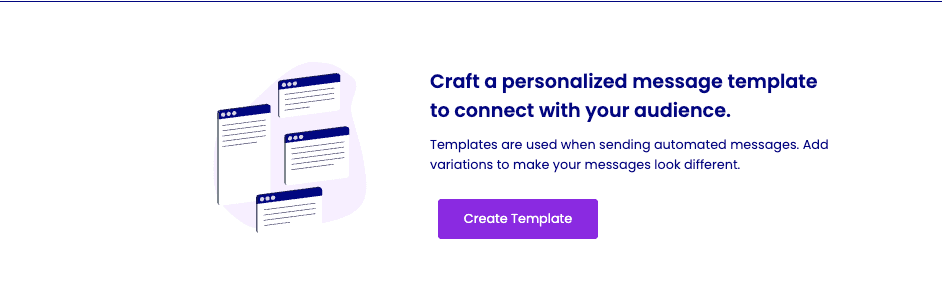
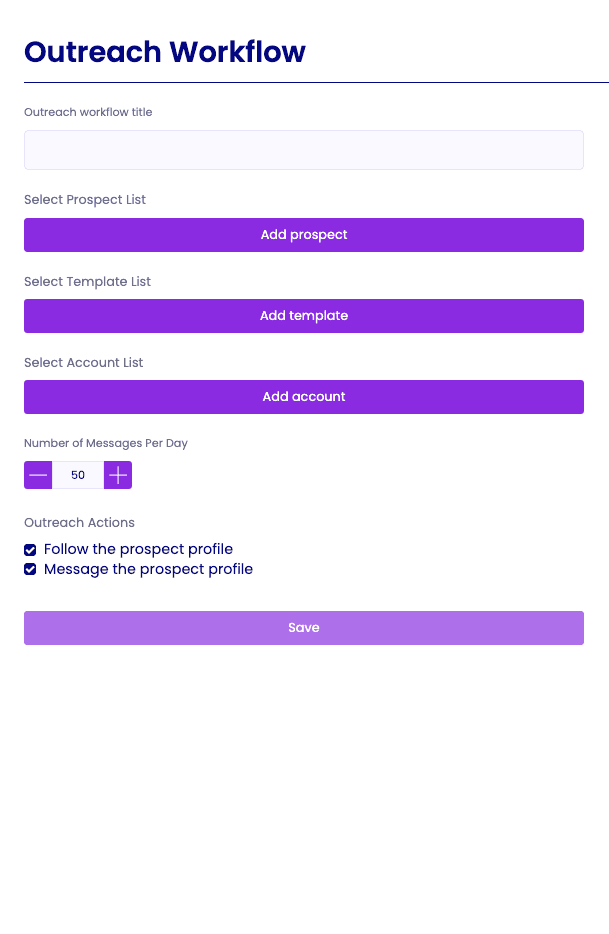
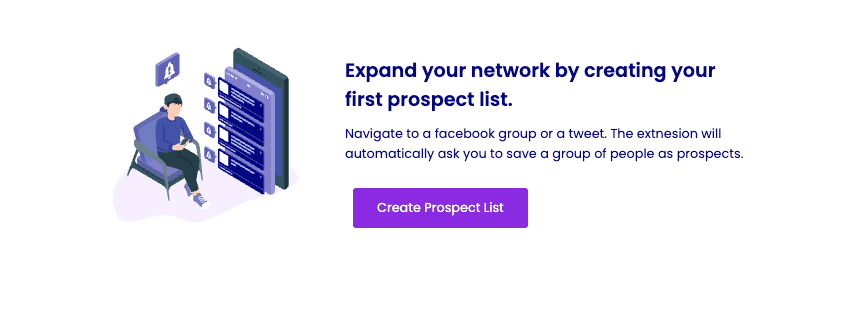
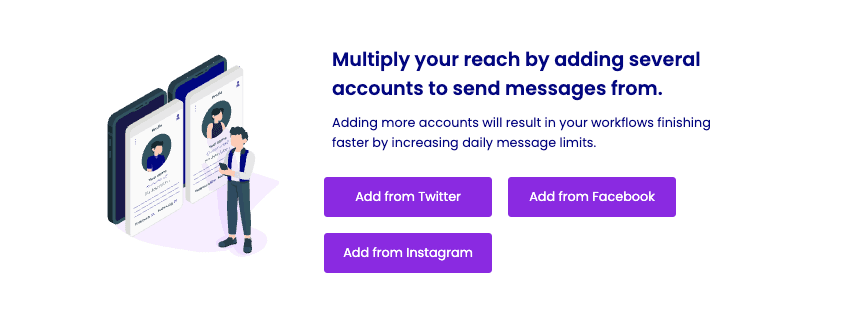
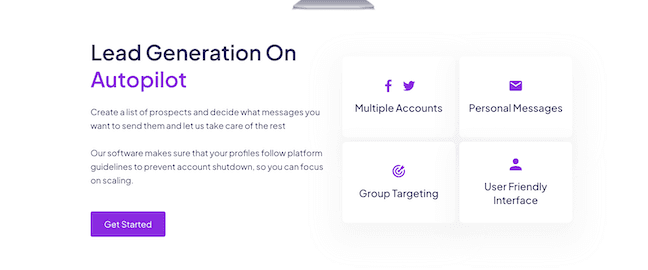
Explore the visual design and user interface of Social Send, showcasing the web dashboard, Chrome Extension, and scheduling tools.
Our Main Contributions

Built the full Vue.js web dashboard
Developed the Chrome Extension for publishing and automation
Integrated with Firebase Functions and Firestore
Designed UI/UX optimized for fast workflows
Created scheduling and automation logic
Implemented analytics and real-time sync
Impact & Results
Allowed businesses and creators to manage content quickly and consistently
Eliminated the need for switching between multiple tools
Improved productivity through templates and scheduling automation
Enabled marketing teams to plan and track campaigns in one place
Reduced operational overhead with a fully serverless backend

Social Send now operates as a lightweight yet powerful social media automation tool, giving users the flexibility to manage content from anywhere — browser or dashboard.
Ready to Launch Your Project Today?
Kickstart your vision with our expert development team.
Get Started