

Professionally
AI-Powered Email Writing Wherever Email Happens
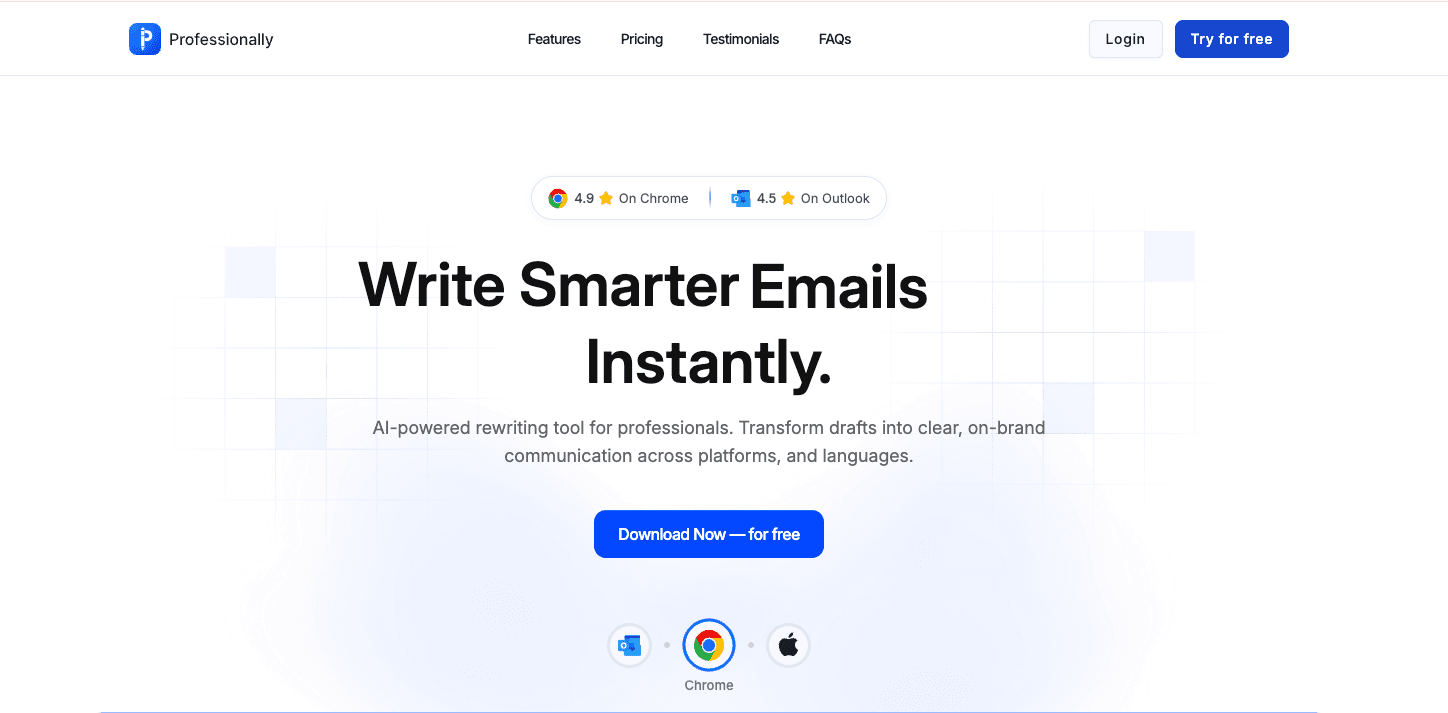
Professionally is an advanced AI-powered email writing and productivity platform, available as a web application, Chrome Extension, and Outlook Add-in — reducing writing time by up to 80%.
We created the entire frontend architecture, integrated it with Firebase Functions, and built seamless extensions for browser and Outlook users.



Project Overview
Professionally is an advanced AI-powered email writing and productivity platform, available as a web application, Chrome Extension, and Outlook Add-in.
It helps professionals compose fast, clear, and context-aware emails using AI, reducing writing time by up to 80%.
The client partnered with us to create the entire frontend architecture, integrate it with Firebase Functions, and build seamless extensions for browser and Outlook users. The goal was to deliver a real-time, intelligent writing assistant that works wherever email happens.
Up to 80%
Less Writing Time
Firebase (Serverless)
Infrastructure
AI & Productivity
Industry
Web, Chrome & Outlook
Platform
Client Challenges
The client wanted a cross-platform AI email writing tool that could:
Understand email context and generate accurate, professional responses
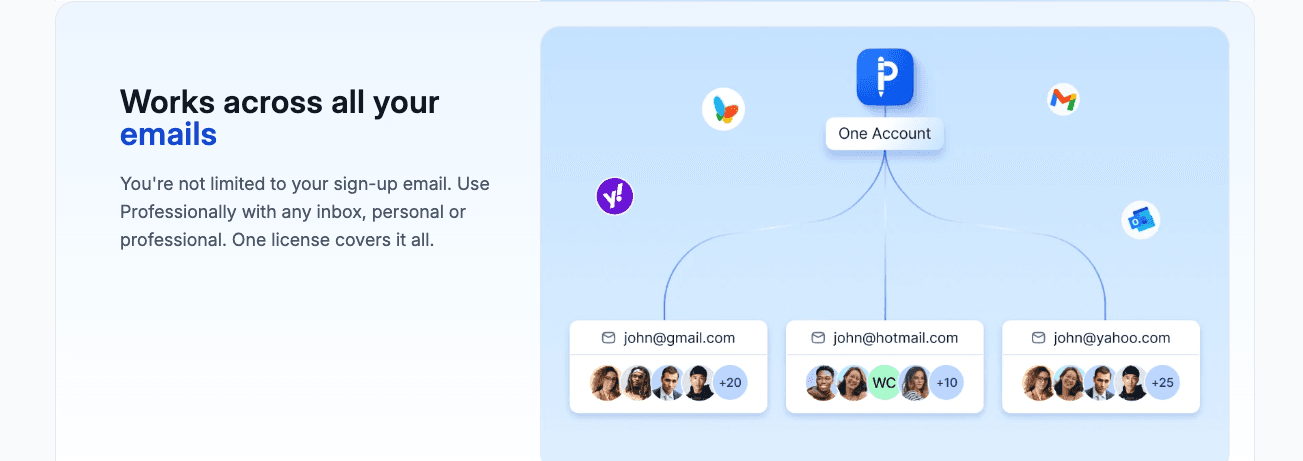
Integrate smoothly with Gmail (via Chrome Extension) and Outlook (via Office Add-in)
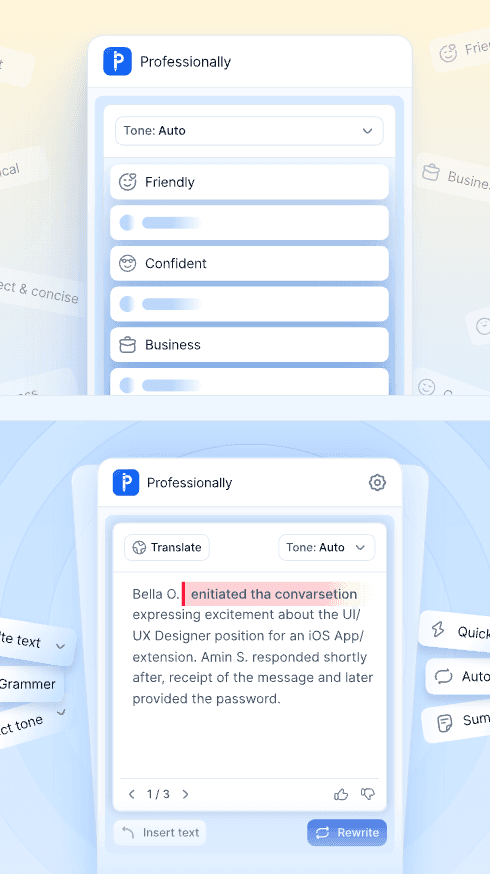
Allow different tone styles, purposes, and rewriting options
Sync drafts and user history across devices
Deliver responses quickly with low latency
Operate with a serverless backend for cost efficiency
Provide a clean, distraction-free UI for writing



Additionally, the product needed to compete in a fast-growing AI writing market — meaning speed, UX, and accuracy were crucial.

Our Approach
We worked closely with the founder and product team to:
Step 1
Architect a unified Vue.js codebase for web + extensions
Step 2
Build a cross-platform UI that feels native inside Gmail and Outlook
Step 3
Integrate with AI engines via Firebase Functions
Step 4
Implement secure authentication and user data flows
Step 5
Optimize UX for fast “one-click” email generation
Step 6
Maintain consistent styling and responsiveness across all platforms
This resulted in a cohesive ecosystem where the AI writing experience feels seamless and instant, regardless of where the user is typing.
Key Features Delivered
AI-Powered Email Generation
- Context-aware suggestions
- Reply, forward, summarize, expand, and rewrite options
- Choose tone: Professional, Friendly, Polite, Direct, etc.
- Multi-language support (client-side configuration)
Chrome Extension (Gmail Integration)
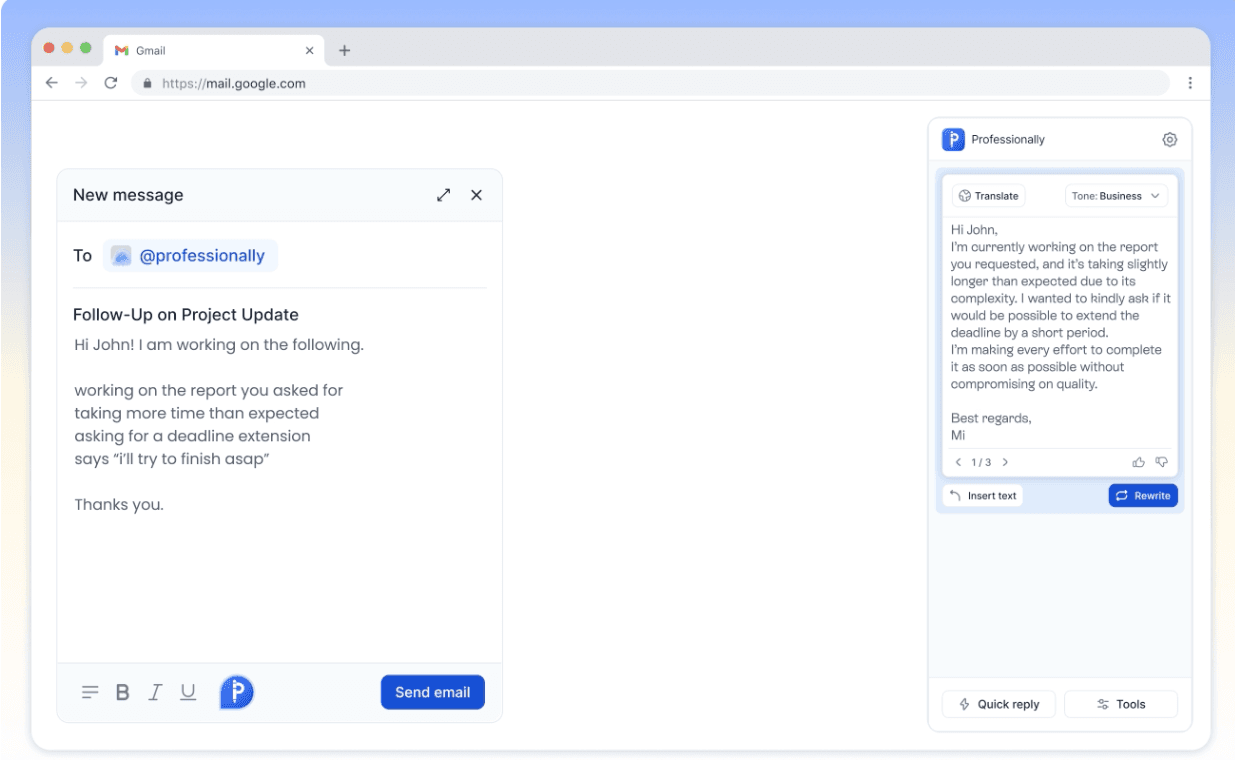
- Injected UI directly inside Gmail
- Reads email threads securely
- One-click AI reply buttons
- Side panel for custom prompts and rewriting
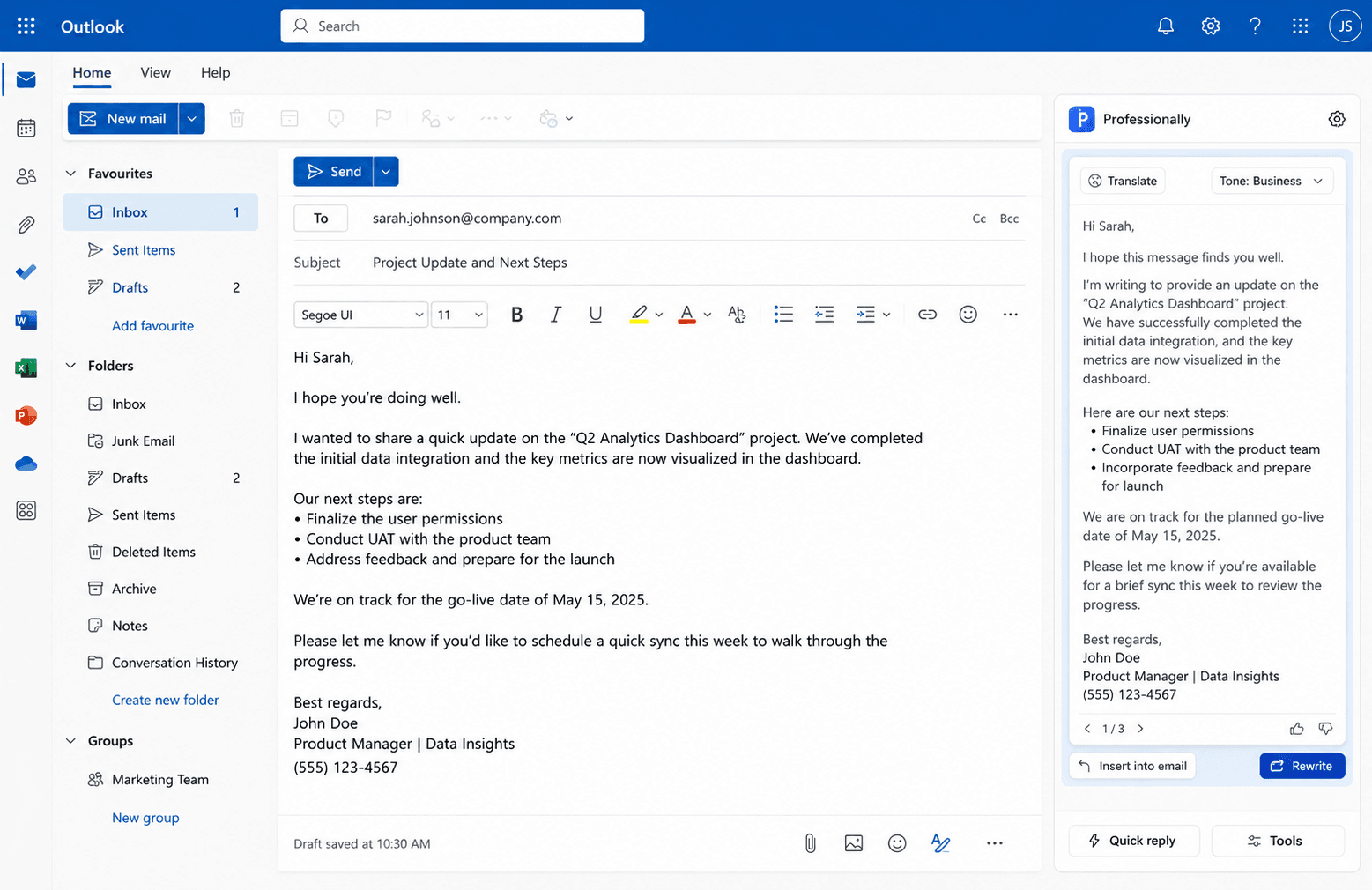
Outlook Add-In
- Custom interface inside Outlook's message pane
- Context extraction from email body
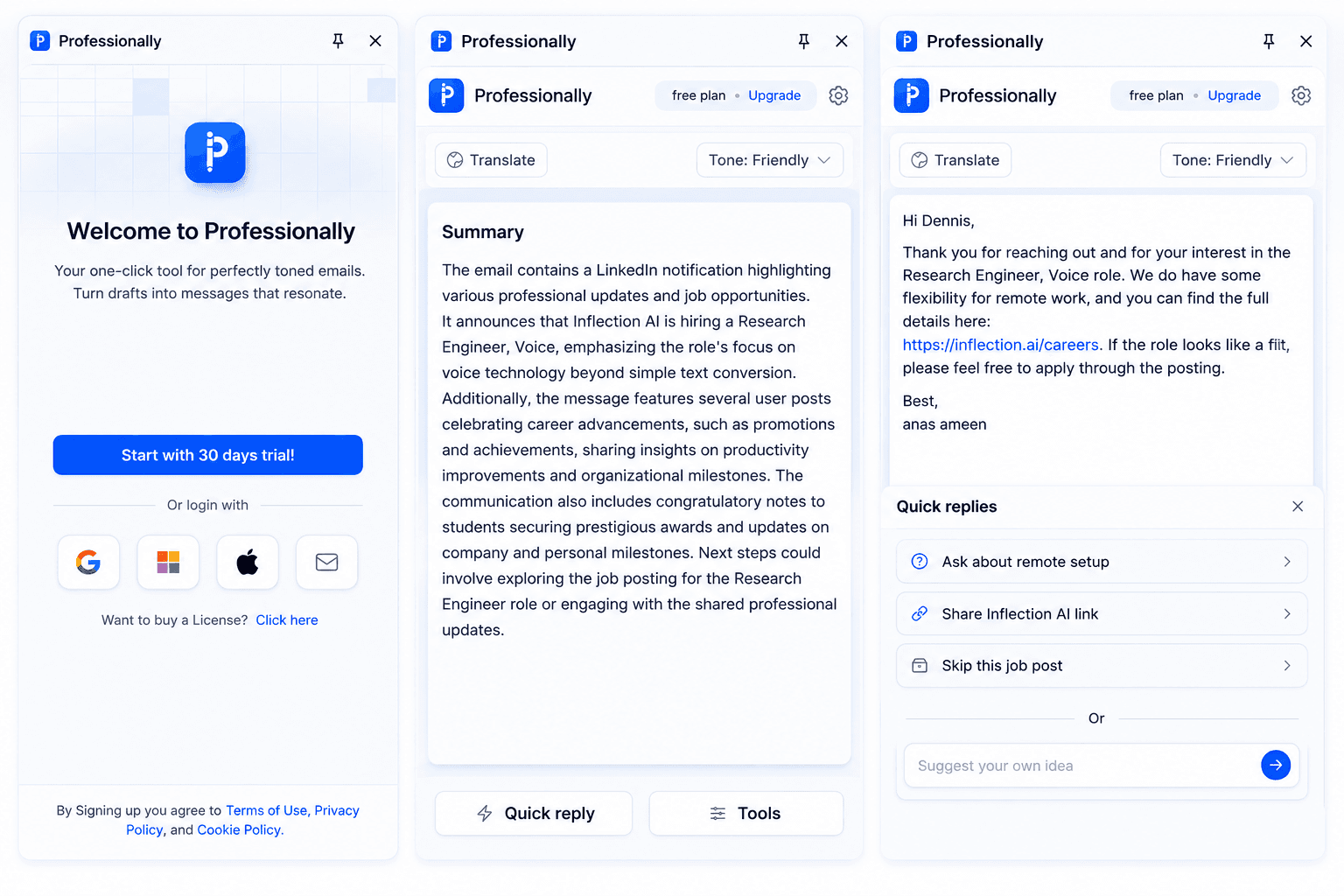
- AI-powered suggestions and quick replies
- Full integration with Microsoft Office JS APIs
Web Dashboard
- Manage history, preferences, and settings
- Personal AI writing templates
- User account & subscription management
- Real-time usage analytics
Smart Prompting & Context Extraction
- Understands email intent
- Generates accurate replies
- Auto-formats emails with greeting, body, and signature
Serverless Backend
- Firebase Functions
- Fast execution and low operating cost
- Secure handling of AI requests and user data
Technology Stack
Frontend
 Vue.js
 Chrome Extension Framework
 Outlook Add-in (Office.js)
Backend
 Firebase Functions
Database
DevOps & Deployment
Project Gallery
Explore the visual design and user interface of Professionally, showcasing the Gmail extension, Outlook Add-in, and web dashboard.
Our Main Contributions

Built the full web app UI in Vue.js
Developed the Chrome Extension for Gmail integration
Developed the Outlook Add-in with Office.js
Integrated AI capabilities with Firebase Functions
Created cross-platform UX for a seamless writing experience
Implemented history storage, templates, and user settings
Optimized performance for instant AI responses
Impact & Results
Dramatically reduced email composition time for users
Delivered a truly cross-platform writing assistant (Web + Chrome + Outlook)
Provided a smooth, intuitive experience that felt native inside email tools
Gave the client a competitive AI product built on fast, cost-efficient infrastructure
Enabled rapid adoption among professionals, teams, and businesses

Professionally now stands as a smart, efficient AI writing companion, helping users communicate better, faster, and with more confidence — wherever they write emails.
Ready to Launch Your Project Today?
Kickstart your vision with our expert development team.
Get Started